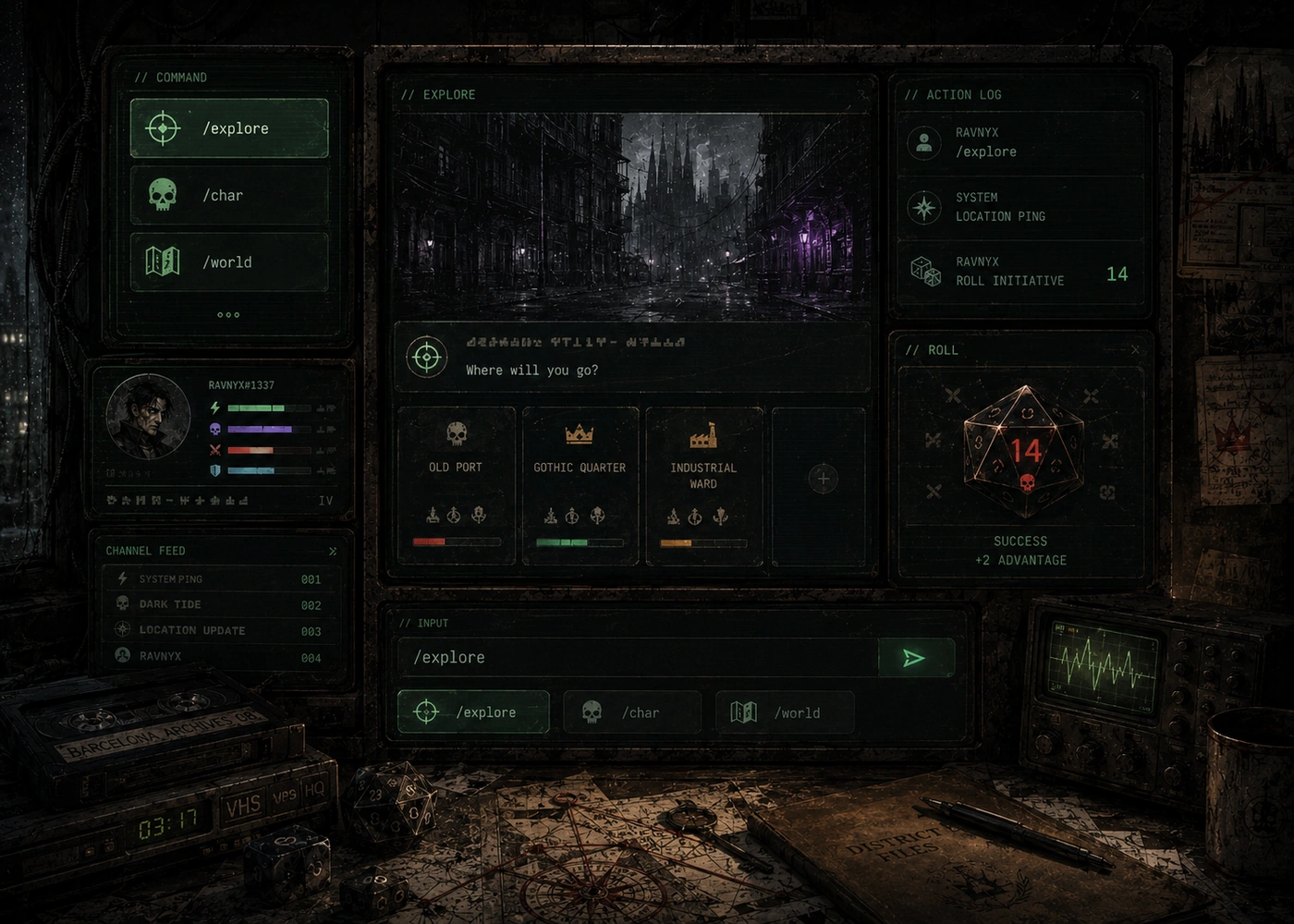
Character and account
Create, inspect and improve your character
/helpOpen the public command guide./languageSwitch the game between English and Spanish./archetypesReview the ten character origins and their specialties./create_characterCreate your persistent Ravnyx character./delete_characterDelete the current character after confirmation./appearanceReview or update character appearance options./charDisplay the character sheet, progression, health and energy./achievementsView unlocked achievements./upgrade_skillSpend progression on a skill./upgrade_attributeImprove a core attribute./rollMake a general dice roll./cancel_sceneRelease a stuck active scene when necessary./webOpen the official website and portal links.World and story
Explore zones and complete investigations
/exploreStart or continue the current zone case and open-world adventure./worldView zones, travel status and current world progress./travelMove to another unlocked zone./npc_favorReport five findings to the current contact and unlock the access operation./zone_bossResolve the access operation and fight the located zone boss.Equipment and economy
Manage loot, storage, crafting and trade
/equipEquip an eligible item./unequipRemove equipped gear./useUse a consumable item./storeMove an item into storage./withdrawRecover an item from storage./store_allStore all eligible carried items./buyBuy from the regular shop./sellSell eligible inventory items./craftReview recipes and craft through your automatic professions./black_marketAttempt difficult purchases from the dangerous market catalogue.Groups, dungeons and collective chapters
Coordinate cooperative content
/group createCreate a player party./group joinJoin an existing party./group leaveLeave the current party./group statusInspect party members and state./dungeon listList unlocked group dungeons./dungeon startBegin an eligible dungeon with the group./dungeon statusInspect the active dungeon./dungeon cancelCancel the active dungeon./raid listList unlocked collective chapters and Premium expedients./raid startBegin an eligible collective encounter./raid statusInspect collective progress./raid cancelCancel the active collective encounter.Player versus player
Challenge another character
/duel challengeChallenge another player./duel statusInspect the active duel./duel cancelCancel the duel when allowed.These are the 43 public commands and subcommands visible to players. Administrative tools remain hidden and are not part of the public guide.